AI alt text
AcceGuru can write descriptive alt text for images using AI. You bring your own API key. AcceGuru charges no per-image fee; image data goes directly from your site to the provider you selected, whose pricing may apply.
Two ways to use it
- On upload - when enabled, each supported image without alt text can be processed automatically if generation succeeds.
- In bulk - fill alt text for images already in your Media Library. See Bulk generate.
Setup in short
- Go to AcceGuru -> Settings -> AI Alt Text.
- Pick a provider and paste your API key.
- Choose the model.
- Optionally enable Auto-generate on upload.
See Providers and keys for details.
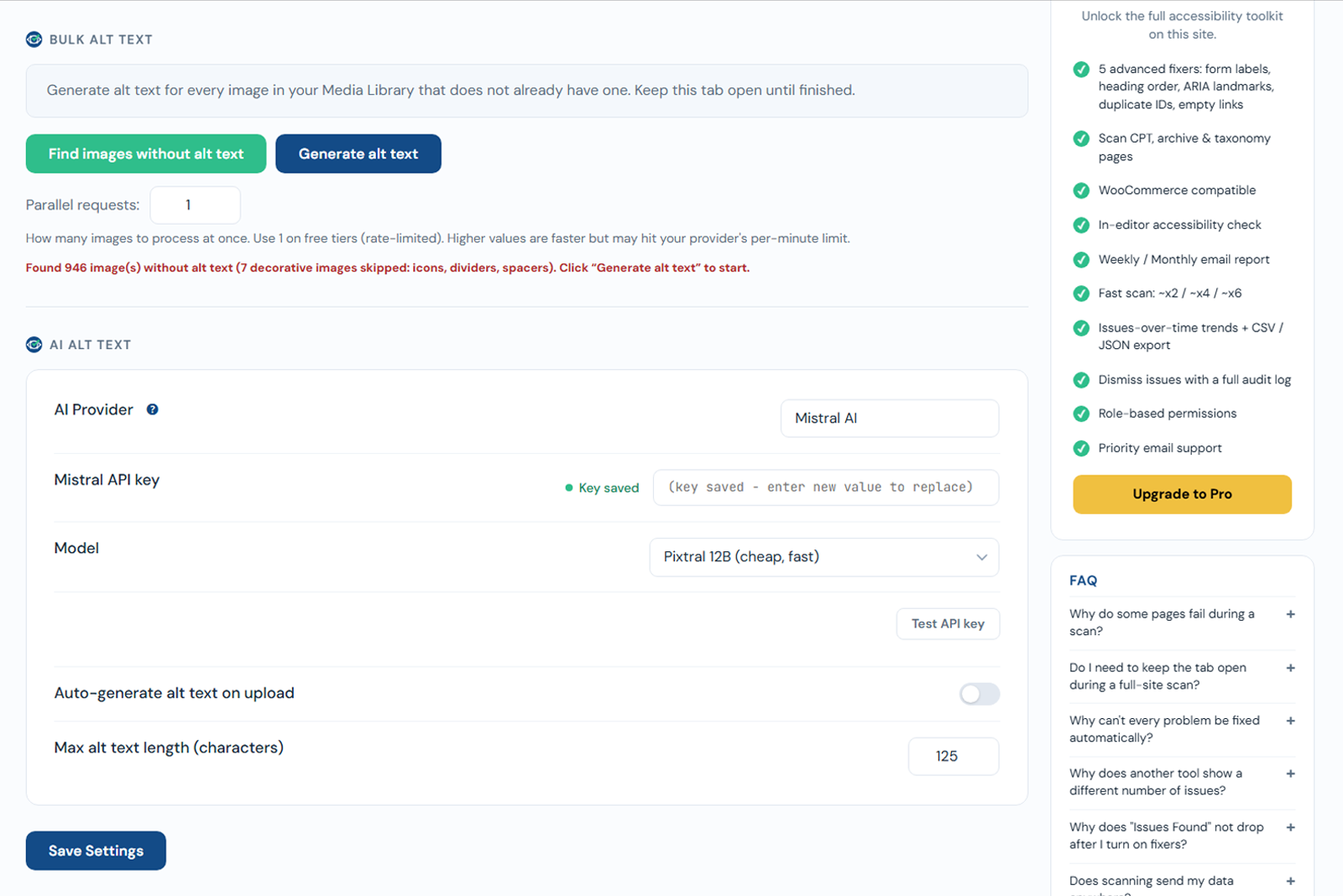
AI alt text is included in Free
AI alt text is intentionally part of the Free plugin. You only pay your own AI provider for usage.